Settings – System users
Manage users who can access your organisation.
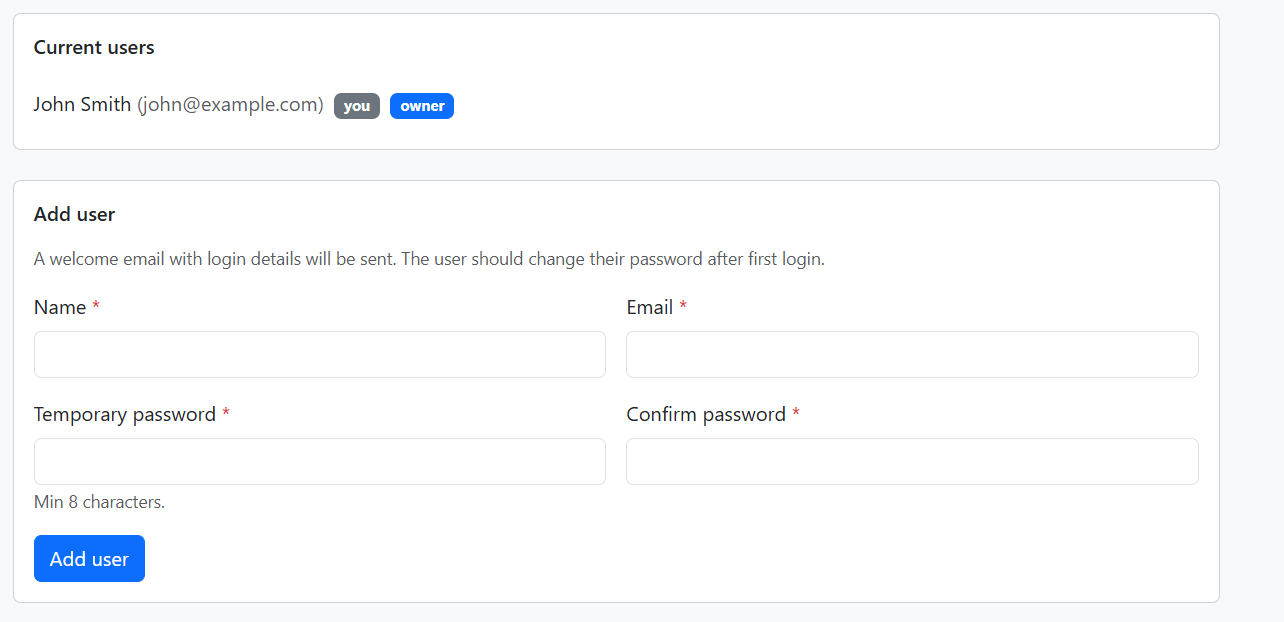
Current users
Lists all users with access to the organisation. The owner badge indicates the organisation creator. The you badge shows the currently logged-in user. Only the owner can add or remove users.
Add user
A welcome email with login details will be sent. The user should change their password after first login.
- Name – Required
- Email – Required
- Temporary password – Required, min 8 characters
- Confirm password – Required
Click Add user to create the account.
Remove user
Only the organisation owner can remove users. Click Remove next to a user (you cannot remove yourself or the owner). A confirmation prompt appears before removing.