Settings – Invoicing
Invoice generation and Xero integration.
Invoices will be generated as simple PDF unless connected to Xero, in which case they will be generated in Xero.
Not connected to Xero

Click Connect to Xero to start the OAuth flow and link your Xero account.
Connected to Xero
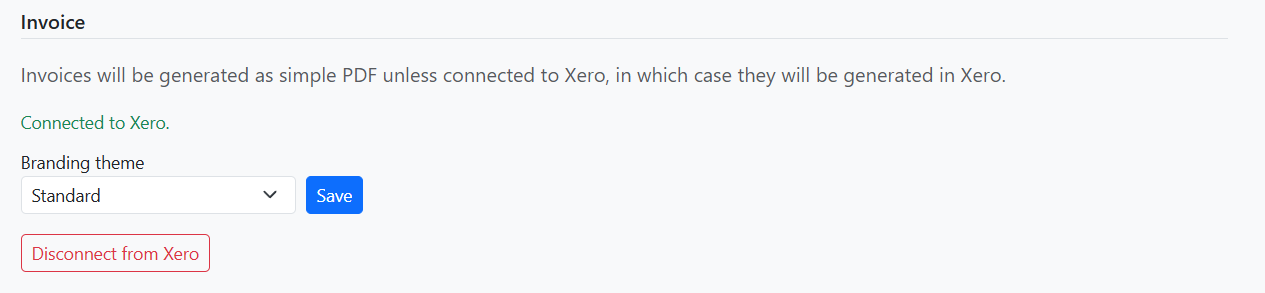
When connected:
- Connected to Xero – Shown in green when the integration is active.
- Branding theme – Select a theme for Xero invoices (or use — Default —).
- Disconnect from Xero – Reverts to simple PDF invoices. A confirmation prompt appears.
Click Save to apply branding theme changes.