Settings – Preferences
User and organisation preferences.
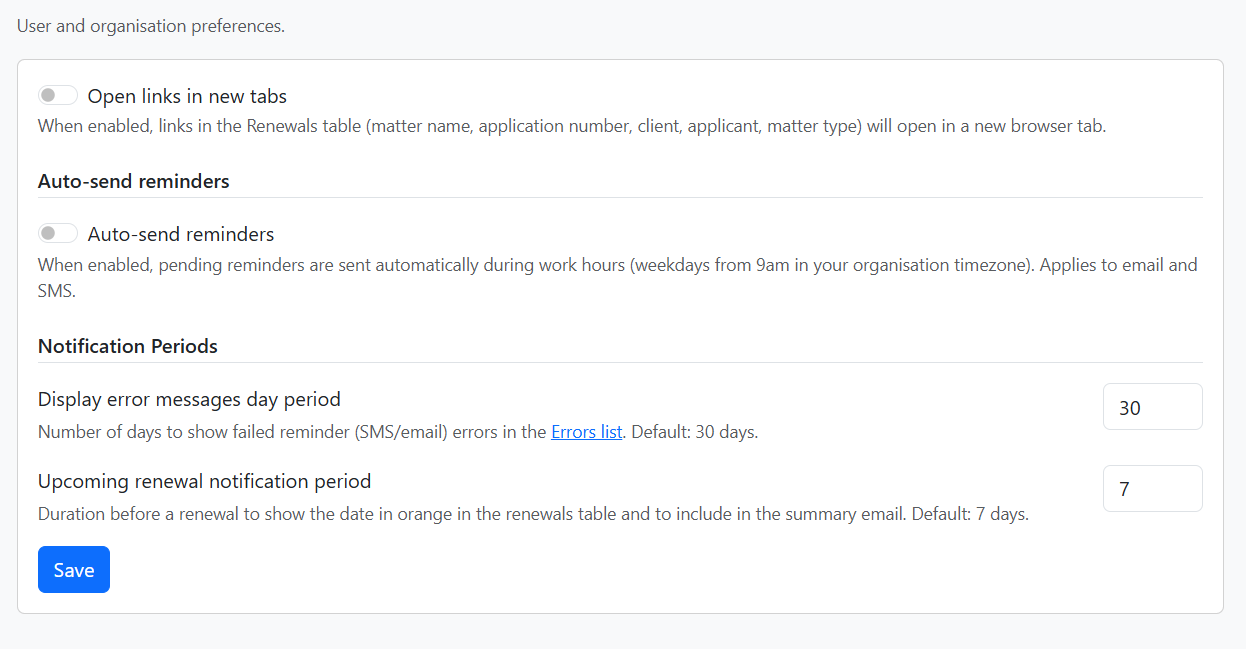
Open links in new tabs
When enabled, links in the Renewals table (matter name, application number, client, applicant, matter type) will open in a new browser tab.
Auto-send reminders
When enabled, pending reminders are sent automatically during work hours (weekdays from 9am in your organisation timezone). Applies to email and SMS.
You can enable or disable auto-send per matter type. Matter types without auto-send will require manual sending from the Renewals table or matter page.
Notification Periods
- Display error messages day period – Number of days to show failed reminder (SMS/email) errors in the Errors list. Default: 30 days.
- Upcoming renewal notification period – Duration before a renewal to show the date in orange in the renewals table and to include in the summary email. Default: 7 days.
Click Save to apply changes.