Settings – Email
SMTP settings for sending reminders and confirmation emails.
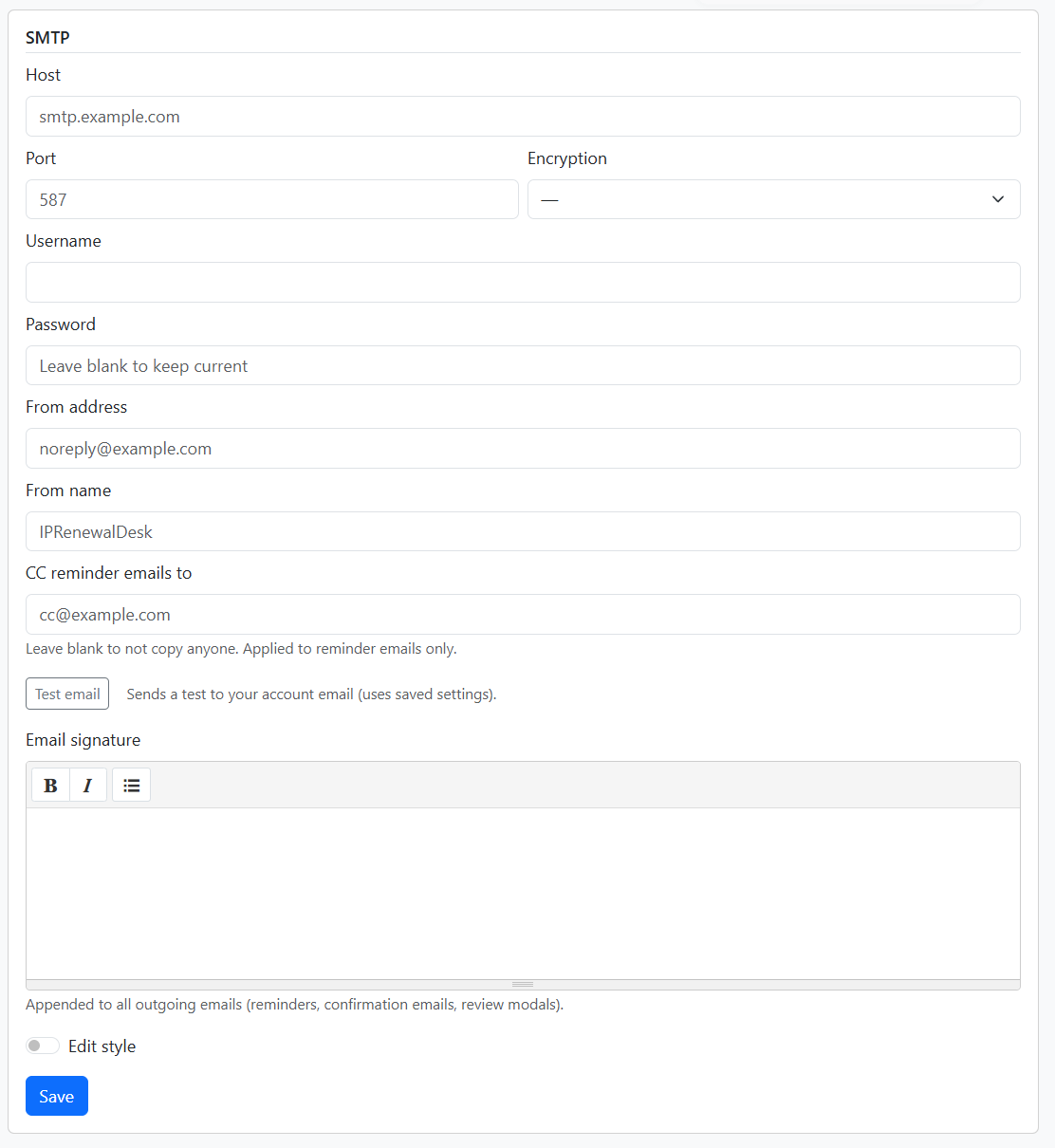
SMTP configuration
- Host – SMTP server (e.g. smtp.example.com)
- Port – Typically 587 for TLS
- Encryption – TLS, SSL, or None
- Username and Password – Leave password blank to keep the current value
- From address – Sender email (e.g. noreply@example.com)
- From name – Sender display name (e.g. IPRenewalDesk)
- CC reminder emails to – Optional. Leave blank to not copy anyone. Applied to reminder emails only.
Use Test email to send a test to your account email. Uses saved settings.
Email signature
Rich-text signature appended to all outgoing emails (reminders, confirmation emails, review modals). Supports bold, italic, and lists.
Edit style
Toggle Edit style to customise CSS for the reminder email body. Use .email-content as the wrapper selector. Styles are inlined for email client compatibility.
Click Save to apply changes.